Coinbase Wallet Review


Why Trust Web3Bet
Our team of experts has independently reviewed and evaluated all the products and services featured on this page to ensure you receive accurate and reliable information
Back in late 2024, a friend messaged me after losing access to a custodial exchange during a sudden service outage. His question was simple: “Should I just move everything to Coinbase Wallet?” That conversation pushed me to dig deeper into how this tool actually works in the fast-moving world of digital finance. As blockchain projects multiply and asset management gets trickier, more investors — from curious first-timers to long-term crypto holders — are testing whether Coinbase Wallet can keep up. In this review, I’ll walk through what I found: its origins, standout features, ease of use, security safeguards, and the real pros and cons I noticed along the way.
About the Wallet
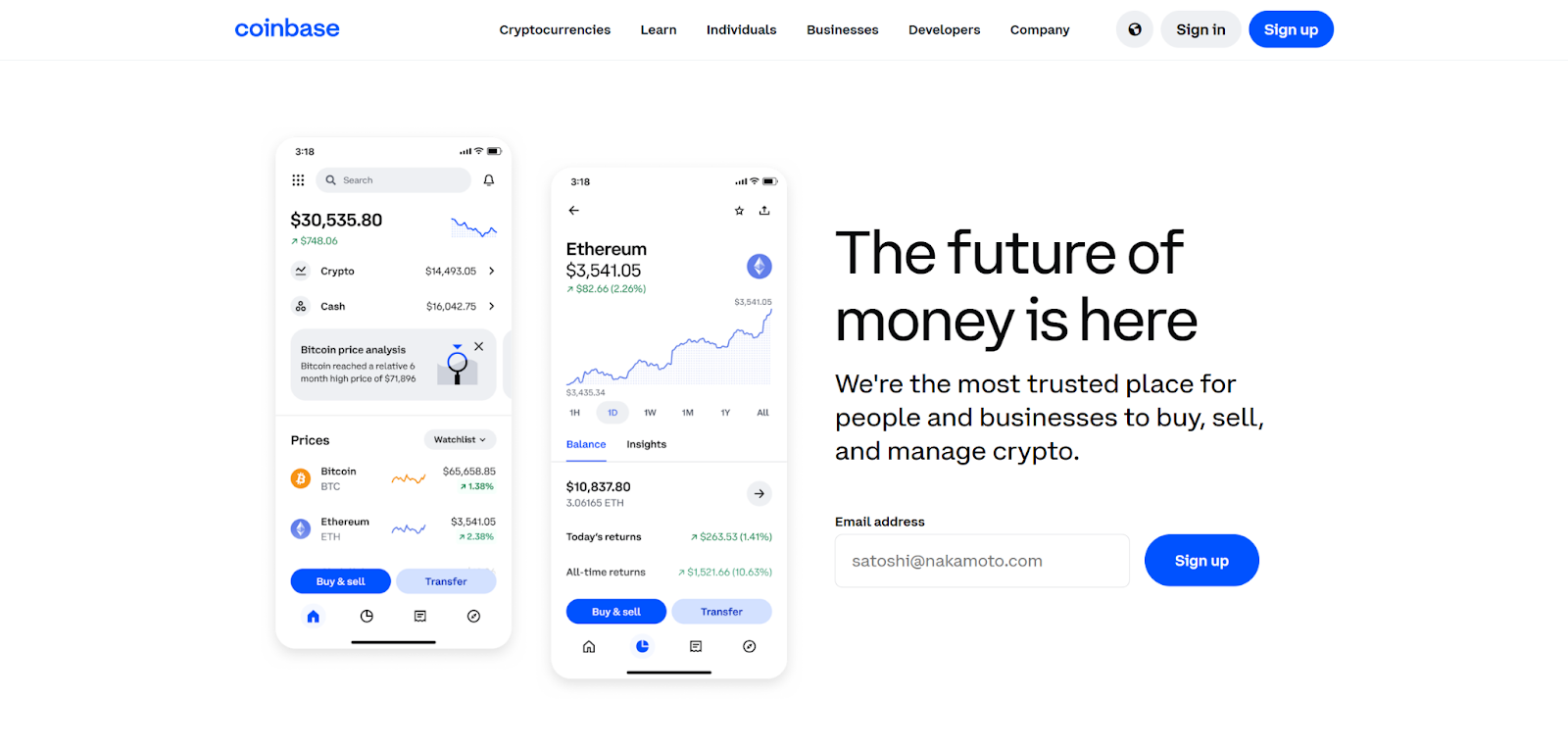
Coinbase Wallet didn’t just appear out of thin air — it started as a side project within Coinbase’s retail exchange team before taking on a life of its own. Unlike the main exchange, this is a self-custody wallet, meaning you hold the keys (and the responsibility). It supports a broad range of digital assets, from well-known coins to smaller tokens, and lets you connect directly with web3 apps without going through a middleman. In practice, it feels less like a “crypto storage box” and more like a passport to the decentralized economy — with the flexibility to swap, stake, or interact with dApps from the same interface.
Pros and Cons
When I first started testing Coinbase Wallet, I quickly realised it’s not a “perfect for everyone” kind of tool. Here’s how it actually plays out in practice:
Pros:
- Easy to Navigate – The interface feels intuitive, even if you’ve never touched a crypto wallet before. That said, power users won’t feel restricted.
- Solid Security Backbone – You hold your own keys, encryption is strong, and nothing moves without your say-so. For those burned by exchange freezes, this alone is worth the switch.
- Asset Variety – From the big players like Bitcoin and ETH to smaller ERC-20 tokens, plus a handful of other networks — you won’t run out of things to store.
- DeFi-Friendly – Built-in staking and access to lending platforms without having to hunt for third-party connectors.
- Ecosystem Fit – Plays nicely with other Coinbase services if you already use them.
Cons:
- Setup Can Overwhelm – The seed phrase process, network settings, and jargon may make newcomers want to shut the app and walk away.
- Network Fee Swings – You can pay next to nothing on a quiet day… or feel robbed during a high-traffic spike.
- Feature Depth Comes at a Cost – dApp connections and advanced DeFi tools aren’t plug-and-play. Expect to spend some time reading guides.
This isn’t a pitch — it’s just what I found after hands-on use. For some, the control and flexibility are worth the extra complexity. For others, a simpler custodial wallet might be less stressful.
History of Coinbase Wallet
Coinbase Wallet didn’t explode onto the scene overnight. When it launched, the idea was modest: give people a safe, self-custodial place to store coins. Over the years, as DeFi grew from a niche experiment to a multi-billion-dollar arena, the wallet evolved too. The early version could barely do more than hold a few assets. Now, it’s a multi-tool — you can swap tokens, stake, browse dApps, and even manage NFTs from the same screen. Some changes came from user requests (like better network support), others were Coinbase’s own attempt to keep up with the fast-moving market. The result? A product that feels very different from its original blueprint.
Main Features and Capabilities
At its core, Coinbase Wallet is built for people who want control without giving up convenience:
- True Self-Custody – You own the private keys, not Coinbase. Lose them, and no one can help — which is both empowering and terrifying.
- Multi-Asset, Multi-Network – Supports not just the “top 10” coins but tokens from emerging projects, plus compatibility with several blockchains.
- Built-In Swaps – No need to send funds to a separate exchange just to make a trade — though rates can vary depending on liquidity.
- Layered Security – Encrypted storage, optional biometric login, and multi-factor authentication for those who want extra peace of mind.
- Deep DeFi Access – Stake tokens, join lending pools, or explore niche dApps — it’s all wired in, no extra plugins needed.
If you’re only looking to buy and hold Bitcoin, this might be more wallet than you need. But for anyone dabbling across multiple blockchains, it’s a surprisingly capable all-in-one hub.

Ease of Use
The first time I opened Coinbase Wallet on my phone, I noticed something rare for crypto apps — I didn’t immediately feel lost. The layout walks you through setup, sending your first transaction, and even connecting to dApps without dumping a wall of jargon on you. Simple tap-and-swipe actions handle most tasks, while short in-app tips pop up just when you need them. For newcomers, that means you can get from “install” to “I just sent my first token” surprisingly fast. For more experienced users, the app doesn’t hide advanced features — you just have to dig a little deeper to find them.
Wallet Type and Security
Here’s the big difference: Coinbase Wallet is non-custodial. No one else holds your private keys, which is empowering — but also unforgiving if you get sloppy with security. I’ve seen people treat a seed phrase like a throwaway password and lose everything. On the plus side, the app backs you up with:
- Private Key Encryption – Your keys are stored locally in encrypted form.
- Multi-Factor Authentication – Fingerprint, Face ID, or code-based verification for extra safety.
- Backup Scheme – A recovery seed phrase to restore your wallet if your device dies or gets stolen.
You’re in full control here — which means you’re also your own help desk.
Backup Scheme
When you first set up Coinbase Wallet, you’ll get a 12-word recovery phrase. This isn’t just another security code — it’s the master key to everything you own inside the wallet. Write it down, store it offline, and don’t share it. I keep mine in a sealed envelope in a safe, but some go for metal plates or other creative options. The point is: if someone gets those words, they can empty your wallet. If you lose them, you’re locked out forever.
KYC Information
One thing I appreciate is that Coinbase Wallet doesn’t demand your personal details to get started. You can use it without sending in your passport or driver’s license. However, if you tap into certain built-in exchange features or fiat conversions, you might hit a KYC prompt. It’s a reasonable middle ground — privacy when you want it, compliance when you need it.
Fees and Commission Details
The wallet itself doesn’t charge extra to send or receive crypto. What you pay is purely the network fee — and that’s a moving target. On a quiet Sunday afternoon, you might spend a few cents; during a high-traffic NFT mint, you could be looking at a few dollars or more. It’s part of life in the decentralized world, and Coinbase Wallet is transparent about it.
Staking Capabilities and Rewards
If you’re into earning yield instead of just holding coins, staking is built right into the wallet. You can lock up supported assets and get rewards without leaving the app. Payouts vary depending on the token and network conditions, but the integration is smooth. Occasionally, Coinbase Wallet adds little extras — badges, limited promos — to keep people coming back, a bit like what Trust Wallet does.
Additional Features and dApp Integration
This is where the wallet starts to feel like a Swiss Army knife for web3. The built-in browser lets you access DeFi platforms, NFT markets, and other blockchain tools without switching apps. Want to swap tokens, stake in a new pool, or buy an NFT? You can do it without ever leaving the Coinbase Wallet environment.
Supported Networks and Coins
Variety is a strong point here. You get the big names — Bitcoin, Ethereum — plus a mix of altcoins, tokens, and stablecoins across multiple blockchains. For someone who hates juggling multiple apps for different assets, this is a big win.
NFT Support and Interface Overview
NFT collectors aren’t left out either. You can store, view, and send NFTs directly inside the wallet. The mobile UI is clean and easy to navigate — collections load quickly, and the visuals are sharp. It feels less like a clunky finance tool and more like a hybrid between a crypto wallet and a well-designed gallery app.
Getting Started: Setting Up Your Coinbase Wallet
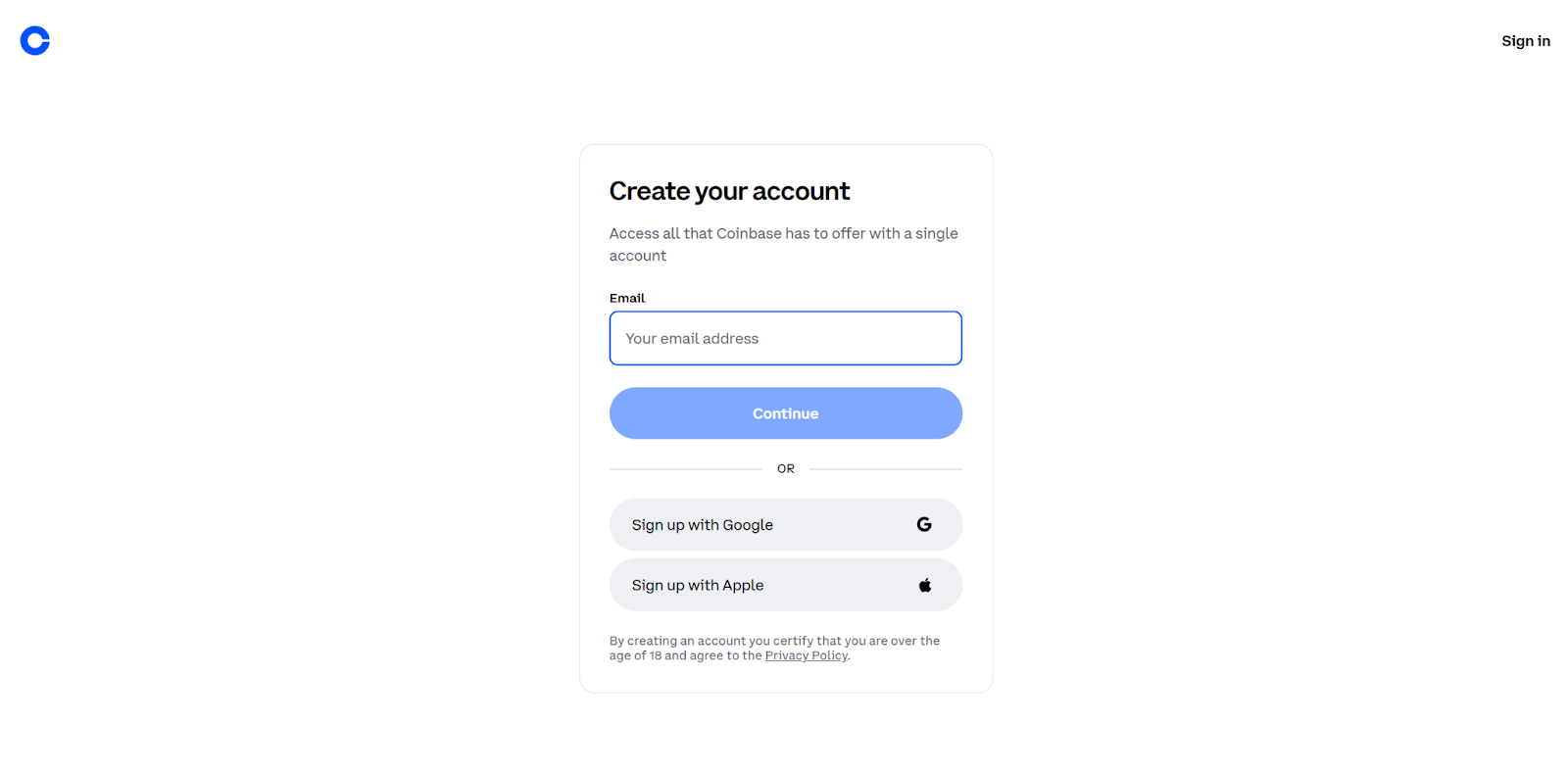
When I first installed Coinbase Wallet last spring, the setup took me less than ten minutes — and I wasn’t exactly a blockchain veteran at the time. Here’s roughly how the process unfolds today:
- Download the App – You’ll find it in both the iOS App Store and Google Play.
- Install & Launch – Once opened, choose “Create New Wallet.”
- Generate Your Wallet – The app will display a recovery seed phrase. This isn’t just a technical detail — it’s the master key to everything in your account.
- Secure the Seed Phrase – Write it down on paper (yes, paper!) and store it somewhere offline. A screenshot won’t cut it; anyone who gets hold of that phrase controls your funds.
- Add Extra Security – If available on your device, enable two-factor authentication or biometric unlock. In my case, Face ID made things faster without compromising safety.
- Start Exploring – With the basics done, you can dive into buying, selling, or transferring coins right away.
The whole flow feels straightforward, but missing the seed backup step is the number one mistake I’ve seen newcomers make — and it’s a painful one to fix.
Buying, Selling & Swapping Crypto
Coinbase Wallet isn’t just a vault for your coins; it’s a functional trading desk in your pocket. Here’s what you can do once you’re set up:
- Buy & Sell Directly – The wallet connects to integrated exchange services, so you don’t need to juggle multiple platforms.
- Transfer Funds – Sending tokens to a friend or moving them to another wallet is as simple as pasting an address. Just double-check the network — I once sent USDT to the wrong chain and spent hours fixing it.
- Swap Tokens Inside the App – No need to hop over to a separate DEX. You can exchange assets on the fly, handy if markets are moving fast.
These built-in tools make it possible to manage most day-to-day crypto activity without leaving the wallet’s secure environment.
Beyond the Basics
Think of Coinbase Wallet less like a safe deposit box and more like a doorway into the decentralized world. Apart from storing and trading coins, you can:
- Explore crypto-backed loans without going through a bank.
- Try yield farming or liquidity pools if you’re comfortable with higher-risk DeFi plays.
- Access dApps through the wallet’s built-in browser — everything from NFT marketplaces to experimental finance tools.
Some of these features feel cutting-edge, and yes, occasionally buggy. But for anyone curious about the newest trends in crypto, having them under one roof is part of the draw.
Wrapping Up: Why Coinbase Wallet Works
When I reflect on my months using Coinbase Wallet, one thing stands out: it’s more than just a place to stash crypto. It successfully bridges the gap between traditional storage and the constantly evolving world of decentralized finance. From first-time users to seasoned traders, the wallet balances security and convenience. Its non-custodial design means you control your assets, and the recovery seed ensures you’re never locked out — something I personally tested when switching phones.
Whether your goal is safeguarding digital wealth, trying out new DeFi tools, or simply exploring everything Coinbase Wallet offers, it proves to be a future-proof solution for 2025 and beyond.
Frequently Asked Questions
What is Coinbase Wallet?
It’s a non-custodial crypto management tool that lets you store, trade, and interact with decentralized applications — all without giving up control of your private keys.
Is my crypto safe with Coinbase Wallet?
Yes. Between strong encryption, multi-factor authentication, and a solid backup procedure, the wallet is designed to protect your funds reliably. From my experience, the seed phrase backup is the real lifesaver if you ever lose access to your device.
How does Coinbase Wallet support decentralized finance (DeFi)?
With built-in dApp access and staking features, the wallet acts as a gateway to DeFi markets. Users often describe it as a “Coinbase DeFi wallet” since it simplifies direct on-chain interactions without juggling multiple apps.
Can I manage multiple cryptocurrencies?
Absolutely. From Bitcoin to altcoins, the wallet lets you handle everything in one place. Personally, I found it convenient to switch between BTC, ETH, and other tokens without leaving the app.
What fees should I expect when transacting?
Coinbase Wallet itself doesn’t charge extra fees, but network fees apply depending on the blockchain. These can fluctuate, so it’s good to check before sending larger amounts.
Where can I find guidance on using the wallet?
The app provides step-by-step instructions and helpful prompts, covering everything from setup to advanced operations. Even if you’re new to crypto, the learning curve is smooth.