Trust Wallet Review


Why Trust Web3Bet
Our team of experts has independently reviewed and evaluated all the products and services featured on this page to ensure you receive accurate and reliable information
Back in early 2025, I was hunting for a wallet to manage my growing stash of crypto — Bitcoin, some Ethereum, and a few altcoins I’d picked up during a DeFi boom. I kept seeing “Trust Wallet” pop up on X and Reddit, with people raving about its ease and security. Naturally, I was curious: What’s the deal with Trust Wallet? After using it for a few months, I can say it’s a solid choice for juggling multiple cryptocurrencies, staking, and even dipping into dApps. But it’s not flawless. Here’s my deep dive into what makes Trust Wallet tick, based on my experience and a bit of digging in August 2025.
Trust Wallet: The Basics
Trust Wallet is a non-custodial crypto wallet, meaning you hold the keys to your funds — no middleman involved. It’s built for mobile (iOS and Android) but also has a web version that’s surprisingly smooth. You can store Bitcoin, Ethereum, and over 40 other blockchains, swap coins in-app, stake for rewards, and even browse dApps like Uniswap or OpenSea. Security is a big selling point, with encrypted private keys stored on your device. But here’s the kicker: if you lose your seed phrase, you’re on your own. I learned that the hard way when I misplaced my backup during a phone switch — thankfully, I found it scribbled in an old notebook.
The Good and the Not-So-Good
Here’s my breakdown of what I liked and what tripped me up:
Pros:
- Super User-Friendly: The app’s clean design had me up and running in minutes. Even my friend, who’s clueless about crypto, figured it out without a hitch.
- Rock-Solid Security: Being non-custodial, it’s as secure as you make it. My keys are encrypted on my phone, and I haven’t had any scares.
- Tons of Coins: Supports over 40 blockchains, from Bitcoin to Solana. I stored some obscure ERC-20 tokens without issues.
- Cool Features: Staking, in-app swaps, and a dApp browser make it a one-stop shop. I earned 5% APY staking Cardano last month.
- Decentralized Vibes: No central entity controls your funds, which answers the “Is Trust Wallet decentralized?” question with a big yes.
Cons:
- Network Fees Sting: Trust Wallet doesn’t charge its own fees, but blockchain gas fees can hit hard. I paid $12 to swap ETH during a network spike in July 2025.
- KYC Confusion: Some dApp integrations asked for KYC, which felt out of place for a decentralized wallet. I skipped those, but it’s annoying in regulated markets like Canada.
- Learning Curve for Newbies: The dApp browser and staking options overwhelmed my cousin when he tried it. It’s not that complex, but it’s not Coinbase-level simple either.
- Language Limits: The app’s global, but language options are thin. My Spanish-speaking friend struggled with the English-heavy setup.
A Quick History Lesson
Trust Wallet started as a passion project by a small team of blockchain nerds who wanted a wallet free from centralized control. That was years ago, and it’s come a long way. In 2018, Binance scooped it up, which gave it a big credibility boost and more resources. When I first heard “Binance owns Trust Wallet,” I was skeptical — would it lose its decentralized soul? So far, it’s stayed true to its roots, but I keep an eye out for any corporate overreach.
What Trust Wallet Can Do
Here’s what stood out when I used it:
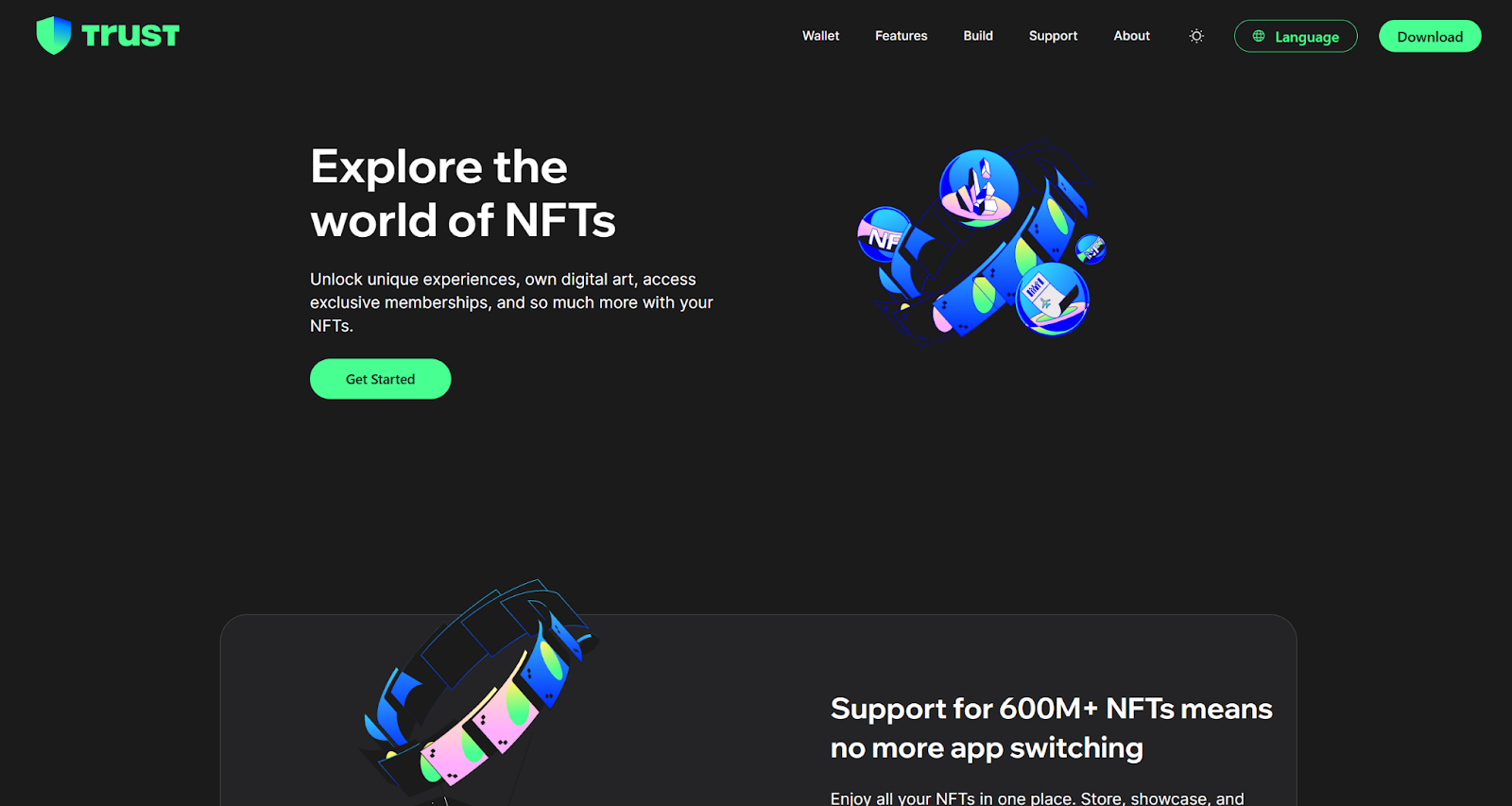
- Multi-Coin Support: I’ve got Bitcoin, ETH, BNB, and some random NFTs all in one place. It handles over 40 blockchains like a champ.
- Non-Custodial Control: My private keys stay on my phone, so I’m in charge. That’s empowering but also a responsibility — don’t lose that seed phrase!
- In-App Trading: Swapping ETH for USDT was quick, with real-time rates. I did a $50 swap in under a minute.
- dApp Browser: I connected to PancakeSwap and bought an NFT directly through the app. It’s like having a mini crypto hub.
- Staking: Staking Cardano was a breeze, and I earned 0.5 ADA in rewards over a month. The app shows clear reward metrics, which I appreciate.
Compared to my old go-to, MetaMask, in 2023, Trust Wallet feels more polished for mobile and has better dApp integration. But MetaMask’s browser extension still edges it out for desktop DeFi nerds.
Security and Backup: Don’t Mess This Up
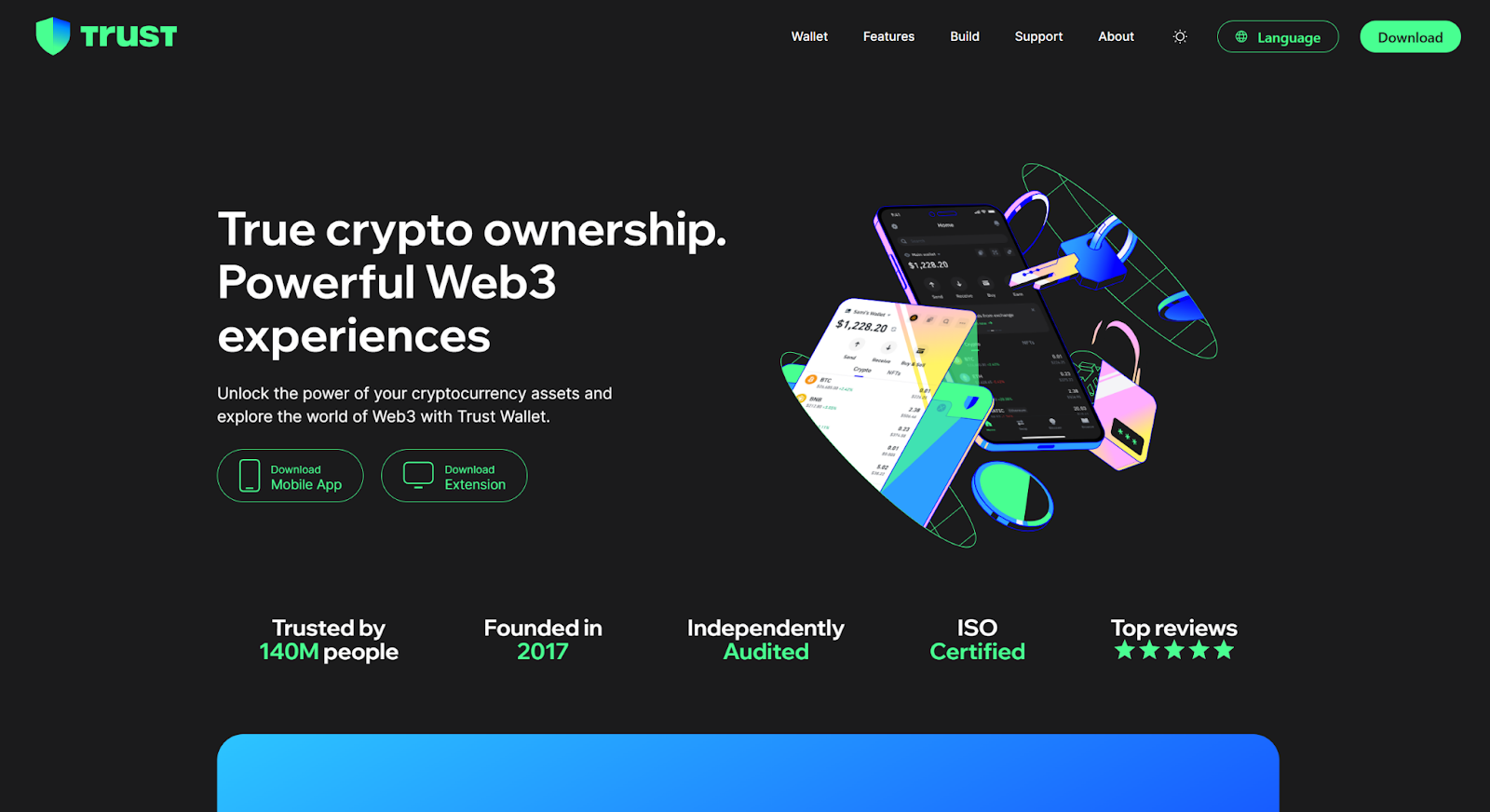
Trust Wallet’s non-custodial setup means your private keys live on your device, encrypted and locked with a PIN or Face ID. That’s great for security, but it puts the burden on you. When you set up the wallet, you get a 12- or 24-word seed phrase. Write it down, hide it somewhere safe (not your Notes app!), and never share it. I almost lost mine during a move — trust me, that panic is real. If your phone dies and you don’t have that phrase, your crypto’s gone. The app reminds you to back it up, which is a nice touch.
KYC and Fees: What to Watch For
Trust Wallet keeps things pretty anonymous, which I love. You don’t need KYC for basic use, but some third-party services (like MoonPay for buying crypto) might ask for it. That threw me off when I tried buying ETH directly in the app. On fees, Trust Wallet itself is free, but blockchain networks charge gas fees. I got hit with a $15 fee for an Ethereum transfer during a busy market day in June 2025 — ouch. Always check network congestion before moving funds.
Setting It Up: My Step-by-Step
Getting started was easy. Here’s how I did it:
- Download the App: Grabbed it from the iOS App Store (it’s also on Android and has a web version).
- Create a Wallet: Tapped “Create New Wallet” and got a 12-word seed phrase.
- Back Up the Phrase: Wrote it on paper and stashed it in a safe. The app made me confirm it to ensure I didn’t skip this.
- Set a PIN: Added Face ID for extra security.
- Start Exploring: Added Bitcoin and ETH, connected to Uniswap, and staked some ADA — all in under 10 minutes.
The web version is just as smooth, with a clean layout for checking balances or swapping coins on my laptop.
Buying, Selling, and Swapping Coins
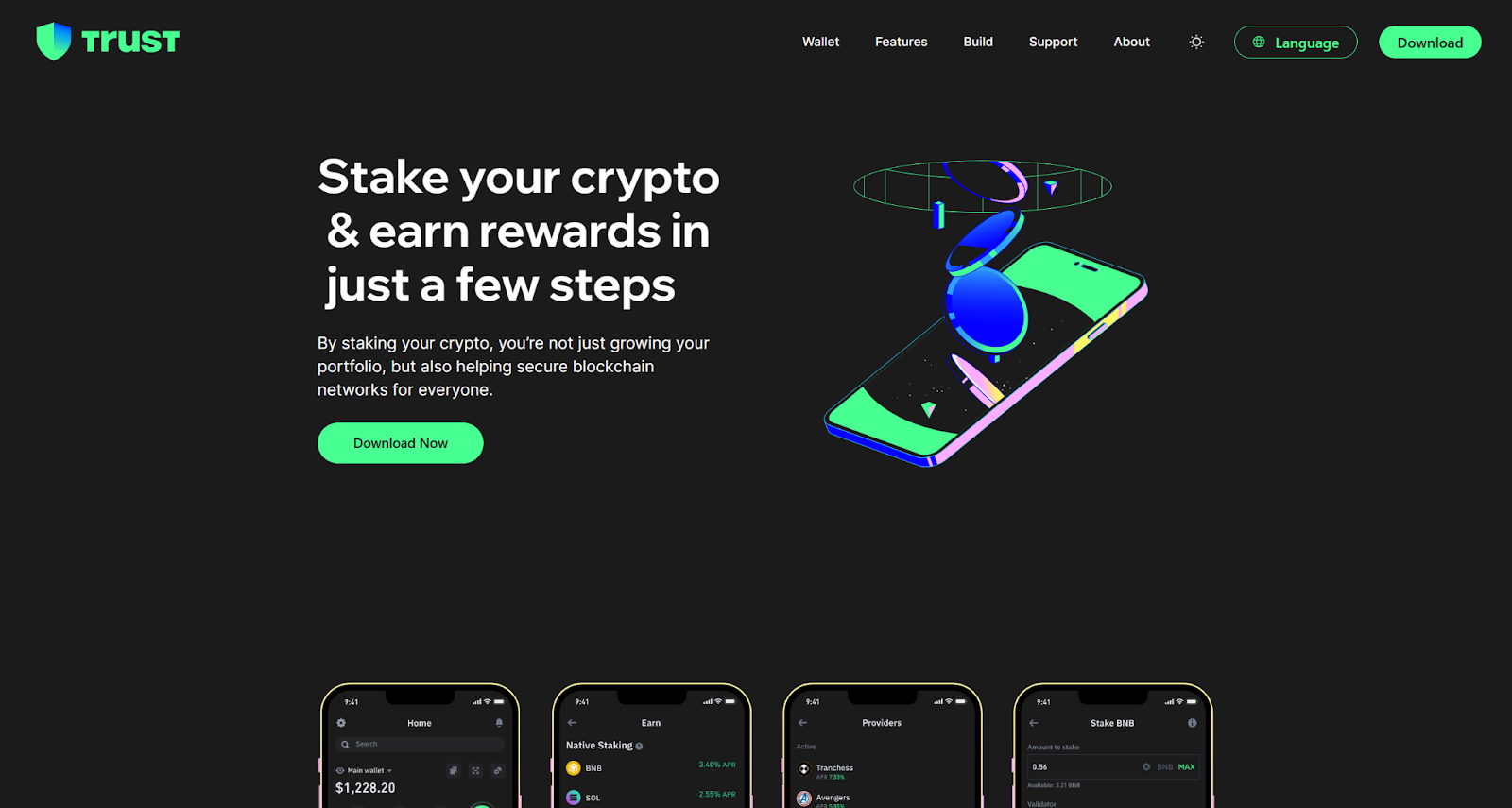
Buying crypto through Trust Wallet is simple with partners like MoonPay — I bought $100 of ETH using my debit card in five minutes. Swapping coins in-app is even slicker; I traded BNB for USDT with real-time rates and no third-party exchange. The app’s market insights, like price charts, helped me time a swap to avoid a 3% dip last week. Sending coins is straightforward: paste the recipient’s address, scan a QR code, or pick from your contacts. I sent $20 in BTC to a friend in under a minute, and the transaction history log kept everything tidy.
Extra Perks That Caught My Eye
Trust Wallet isn’t just a storage app — it’s got some neat tricks:
- dApp Access: The built-in browser let me mess around with DeFi platforms and NFT marketplaces without leaving the app.
- Staking Rewards: I earned 5% APY on Cardano, and the app made it easy to track.
- News Feed: In-app market updates kept me in the loop on Bitcoin’s wild swings in July 2025.
- Customization: I tweaked the theme to dark mode and rearranged the dashboard to prioritize my top coins.
There’s also talk on X about future lending features, similar to what Guarda Wallet offers. If that happens, it could make Trust Wallet even more versatile.
Wrapping It Up
After months of using Trust Wallet, I get why it’s a favorite in 2025. Its non-custodial setup, support for 40+ blockchains, and features like staking and dApp browsing make it a powerhouse for crypto newbies and pros alike. The interface is a breeze, and security feels tight — assuming you guard that seed phrase. Downsides? Network fees can bite, KYC for some services feels clunky, and the sheer number of features might overwhelm first-timers. Compared to my MetaMask days in 2023, Trust Wallet’s mobile-first approach and Binance backing give it an edge for everyday use. If you’re looking for a wallet that’s secure, versatile, and not too corporate, it’s worth a shot. Just double-check those gas fees before you swap.
FAQ
What’s Trust Wallet?
A decentralized, non-custodial wallet for managing multiple cryptocurrencies and NFTs, with staking and dApp support.
Is Trust Wallet Safe?
Yes, it’s secure with encrypted keys stored on your device. But losing your seed phrase is a dealbreaker — back it up properly.
How Do I Set It Up?
Download the app, create a wallet, save your seed phrase, set a PIN or biometric lock, and start adding coins. Takes 10 minutes tops.
Does It Require KYC?
Not for basic use, but some third-party services might ask for it. Keeps things private for the most part.